Product Basics
How to layer LipSense Long-Lasting Liquid Lip Color shades
A few LipSense shades can make a color wardrobe when you notice what changes at the mirror. Start with undertone, test the shades in an exact order, write down the stack you love, then let Moisturizing Gloss change the tint, sheen, and dimension.
By SeneGence ·  Alan Kante, publisher · Updated
How to choose LipSense shades by undertone
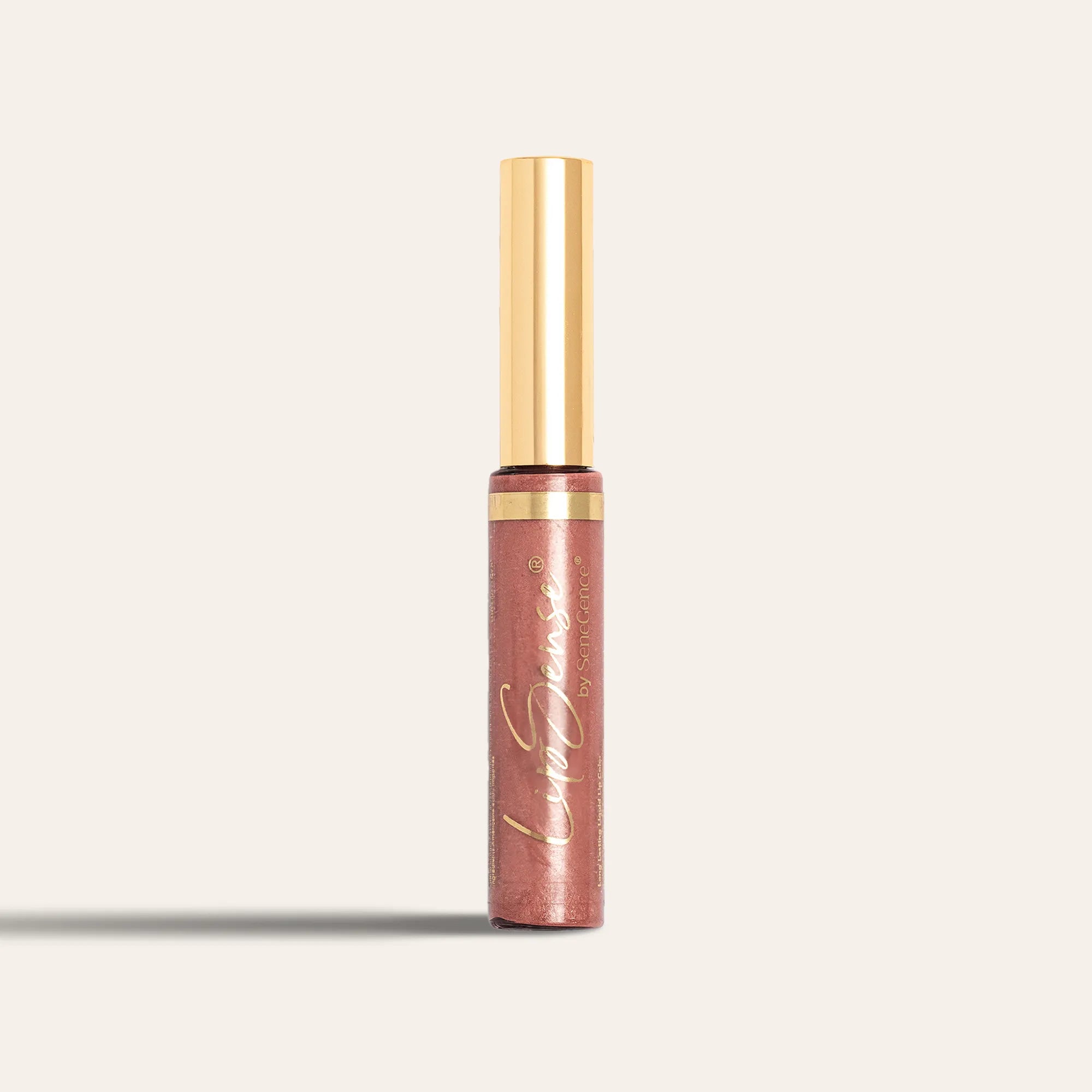
Look at your whole face before you look at the shade name. The right undertone family can make the complexion appear clear, balanced and alive; the wrong direction can make the same face look dull. That visible difference is the best place to begin a LipSense stack.
how to use it
Use neutral daylight and keep both face and neck in view. For a cool direction, compare Blu-Red, Napa or Pink Champagne. For warmth, try Persimmon, Fly Girl or Apple Cider. Bella and Praline Rose offer neutral starting points. Hold or swatch close options side by side, watch for clearer versus sallow-looking skin, then build your stack: layer up to three shades and create your own.
the science
Undertone is the relatively stable warm, cool or neutral cast beneath surface color that can change. What you see on the lip is a meeting of hue temperature, chroma, value, natural lip pigment, surrounding complexion and lighting. Neutral daylight reduces a room's color cast; side-by-side shades make the contrast visible. Undertone gives you a starting point; the final ordered stack can still shift depth, warmth, brightness and opacity.
How layer order builds a LipSense color wardrobe
Three LipSense colors can create a 27-look layered wardrobe. The same shades can read softer, warmer or deeper when you change which one goes down first and which one sits on top. Build your favorite one whisper-thin layer at a time, then write down the exact order so it looks like your favorite again tomorrow.
how to use it
Apply three whisper-thin passes, letting each one set before the next. Under consistent light, test cool, warm and balanced sequences; photograph the finished lips and write down the exact shade order. Next time, reproduce that order and technique first. Then change one shade or one finish variable so the visible difference is easy to judge.
the science
Any of your chosen shades can sit at any place in the stack, so a stack that repeats a shade is as valid as one that mixes them. Because the pigments are translucent, each pass is seen with a different color beneath and above it; reverse the sequence and the visible blend can change. First, middle or final, no place in the stack gives a shade a fixed job. The look count comes only from the three color layers. See how the ordered color stacks add up.
How Gloss further customizes a layered LipSense look
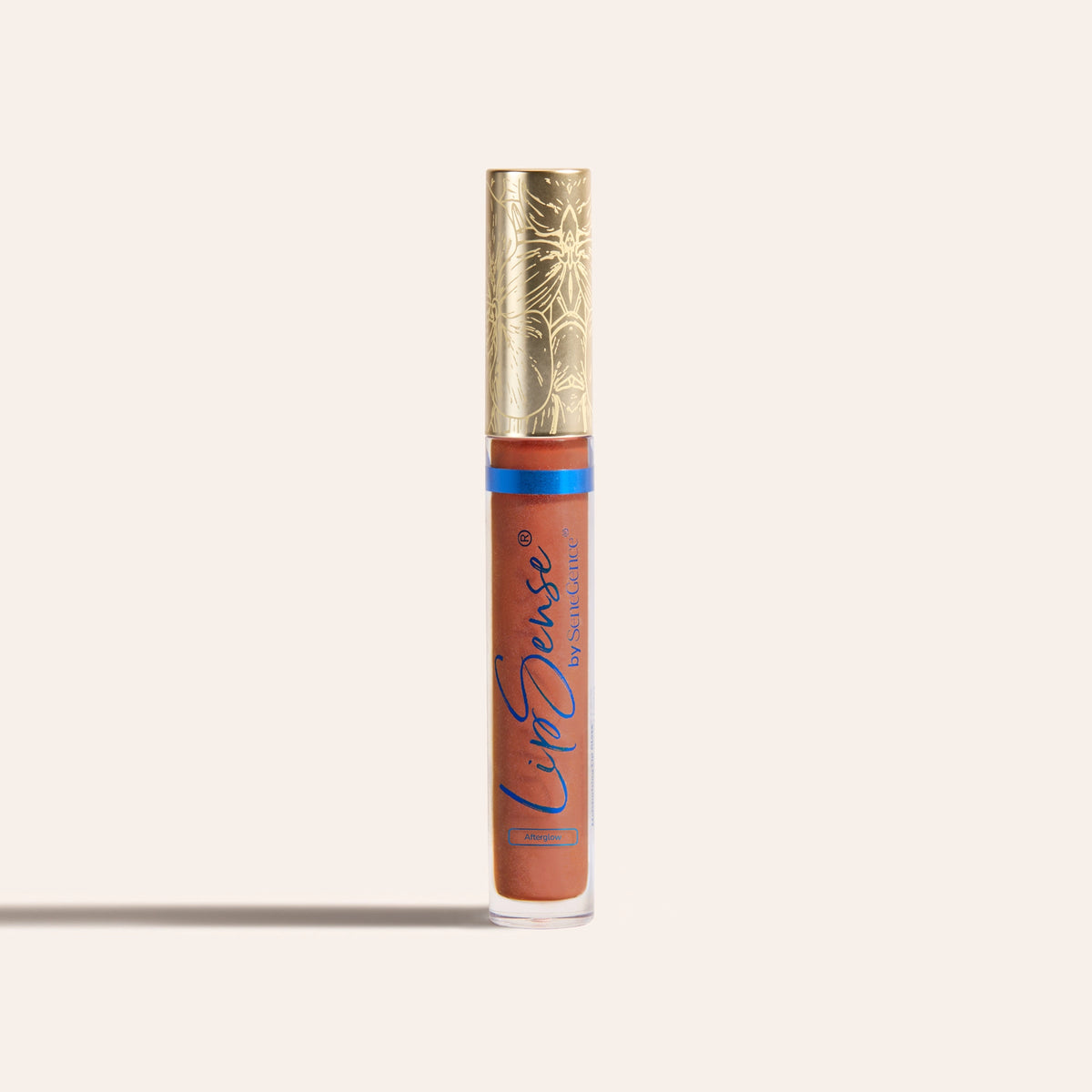
Once the color has set, let the light choose the finishing touch. One Gloss can add its own tint or sheen; blended or layered Glosses can bring more dimension. Stop when the finished lip catches the light the way you wanted.
how to use it
After the third LipSense color layer sets, choose, blend, or layer compatible LipSense Moisturizing Glosses to customize tint, sheen, and dimension.
Keep the recorded color stack unchanged while you compare one Gloss, a blend and layered Glosses. Save your preferred finish beside the shade order so both parts of the look can be repeated. LipSense Moisturizing Gloss is the required finish — it seals the color and adds hydration.
the science
The set pigment order stays where it is; Gloss changes what happens at the surface. Tint shifts the color that passes through, sheen changes specular reflection, and layered finishes add visible dimension. Put different Gloss choices over one unchanged color stack and the finish becomes the only variable, so changes in brightness, warmth, depth and reflection are easier to see.